Notes
Keep what you find, with where you found it.
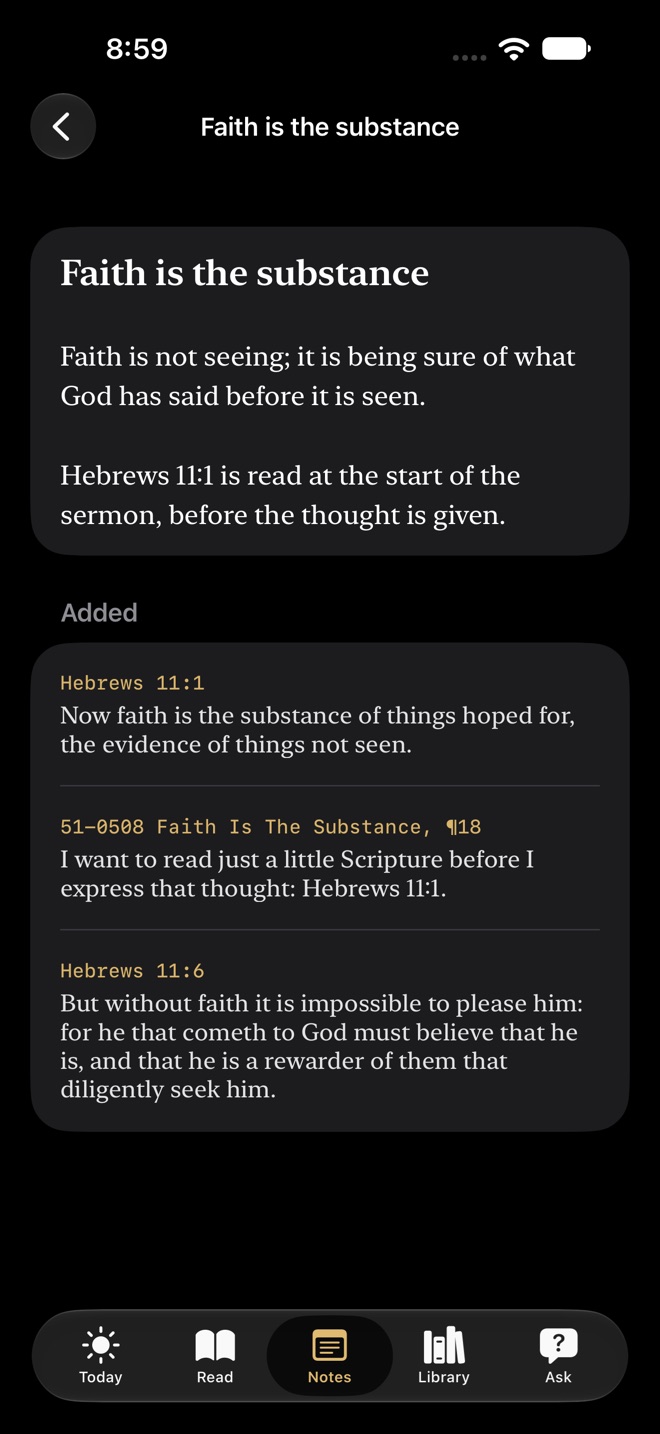
From any verse or sermon paragraph, tap Add to a Note. The words go in with their reference.
Spiritual Food
In Due Season
The King James Bible with the sermons beside it, on iPhone, iPad and Apple Watch. Fully offline.
Coming soon to the App Store
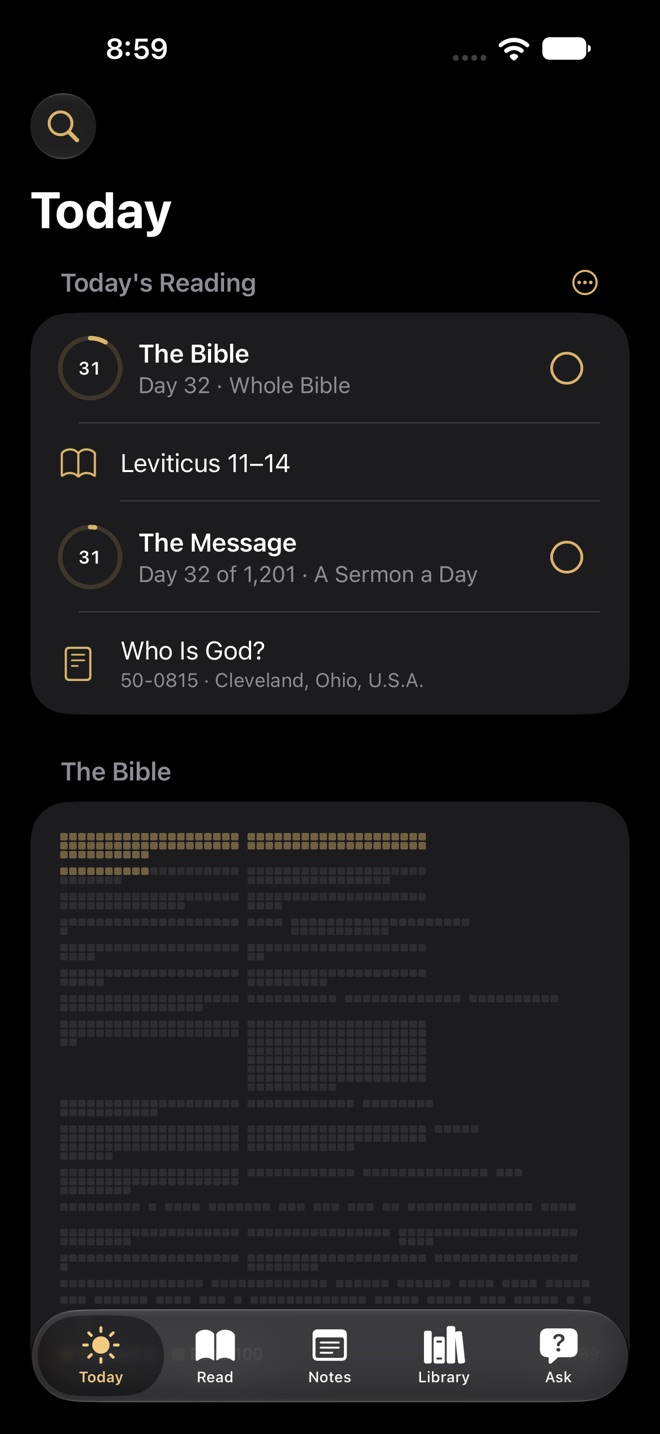
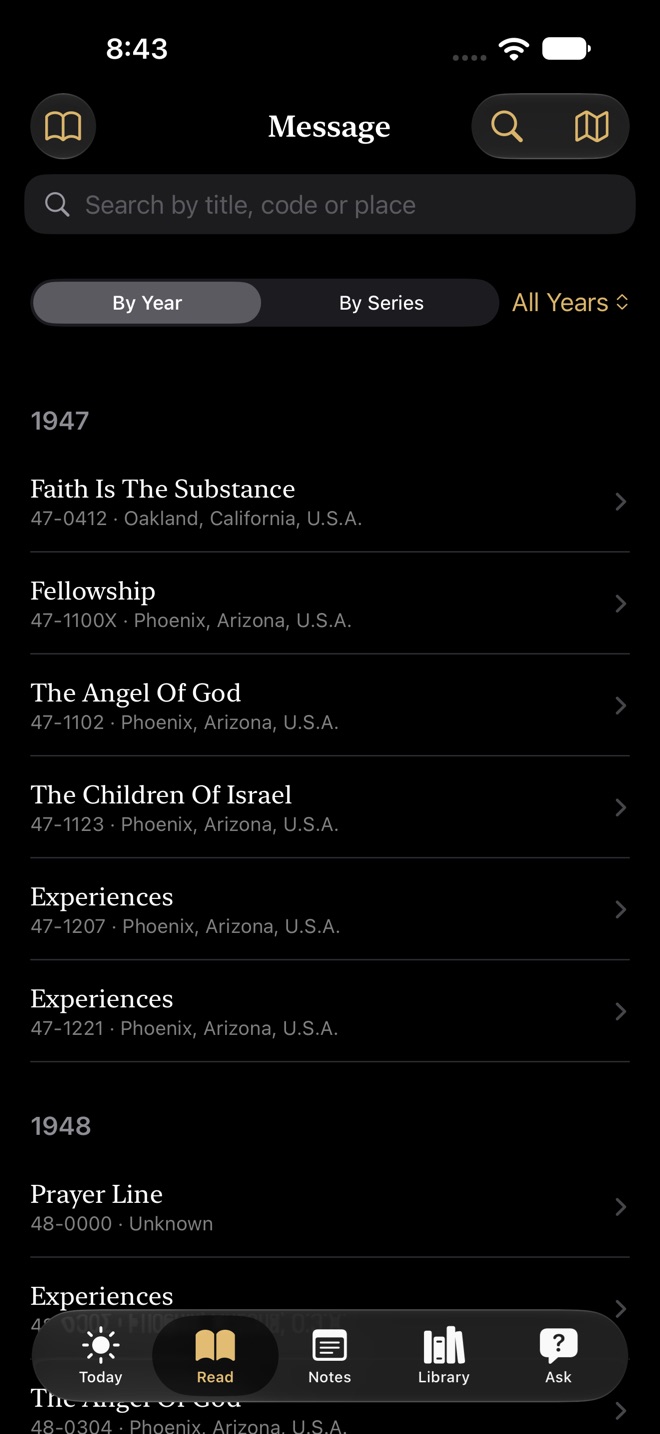
Read the King James Bible and see, at the end of every verse, how often the sermons use it. Tap it and every place opens. Read a sermon and every paragraph leads back to its Scripture. Keep what you find in your own notes, and ask questions answered from the text.
Read
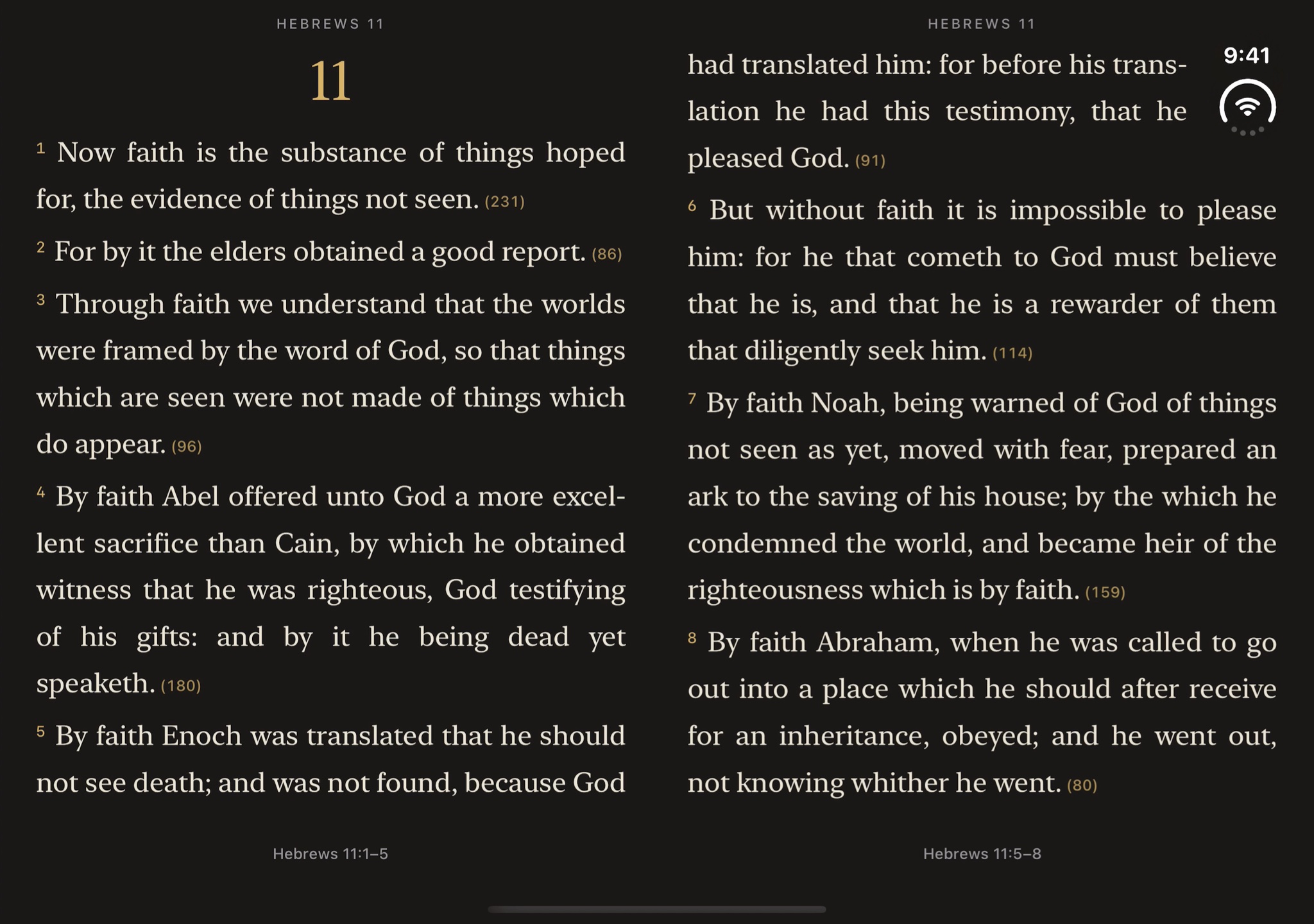
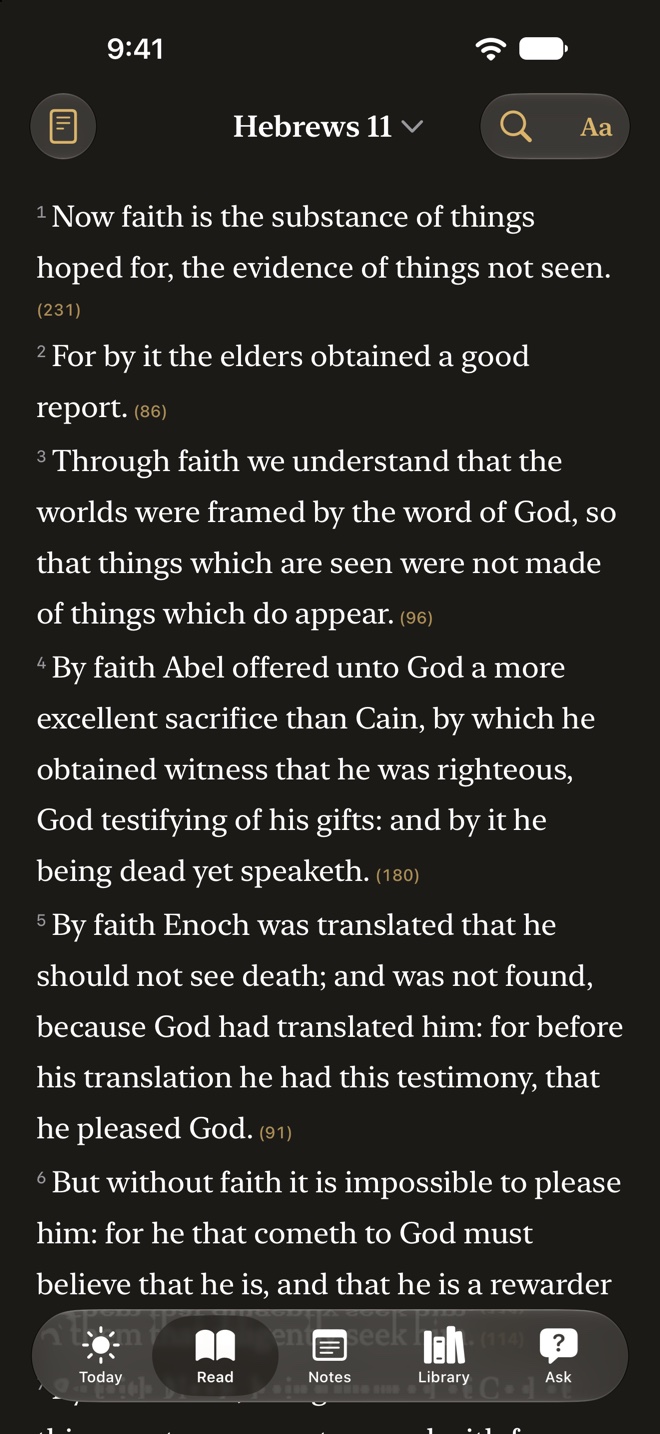
The small number at the end of a verse counts the places the sermons name, read, quote or speak of it. Hebrews 11:1 has 231. Tap the verse to see them all.
The Message
Hebrews 11:1
Now faith is the substance of things hoped for, the evidence of things not seen.
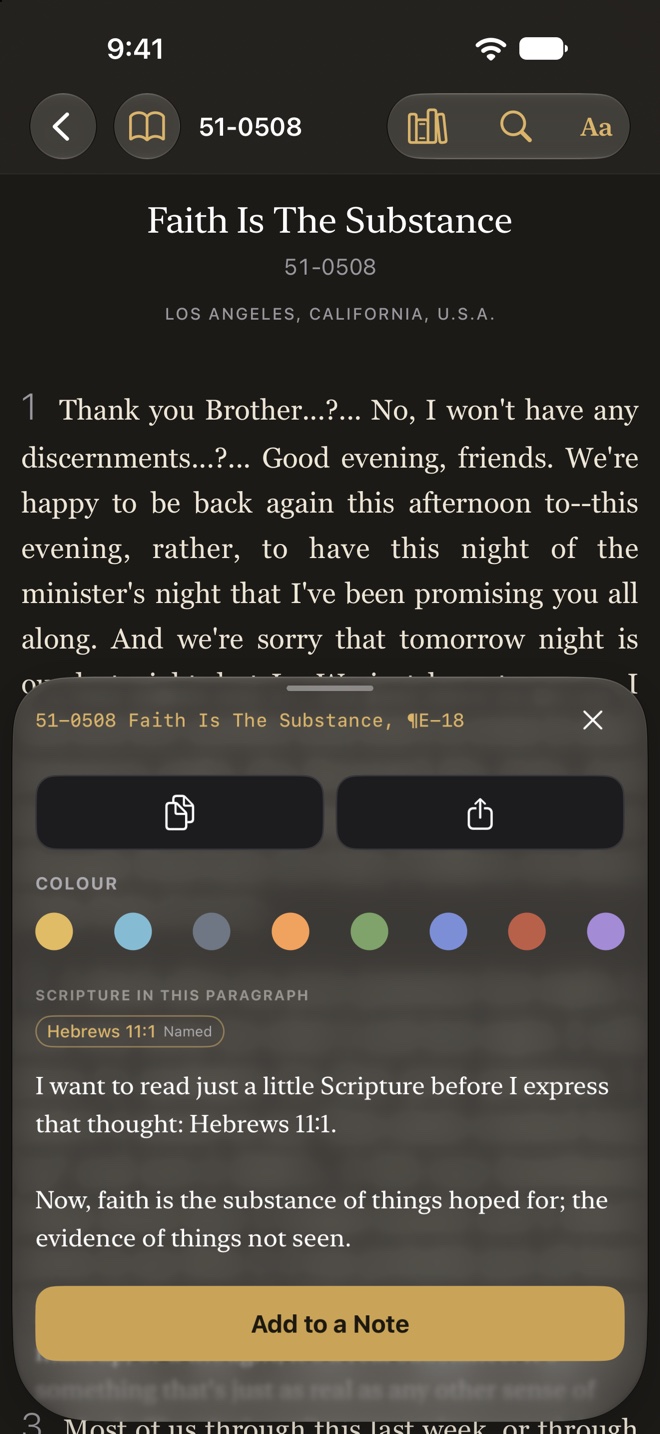
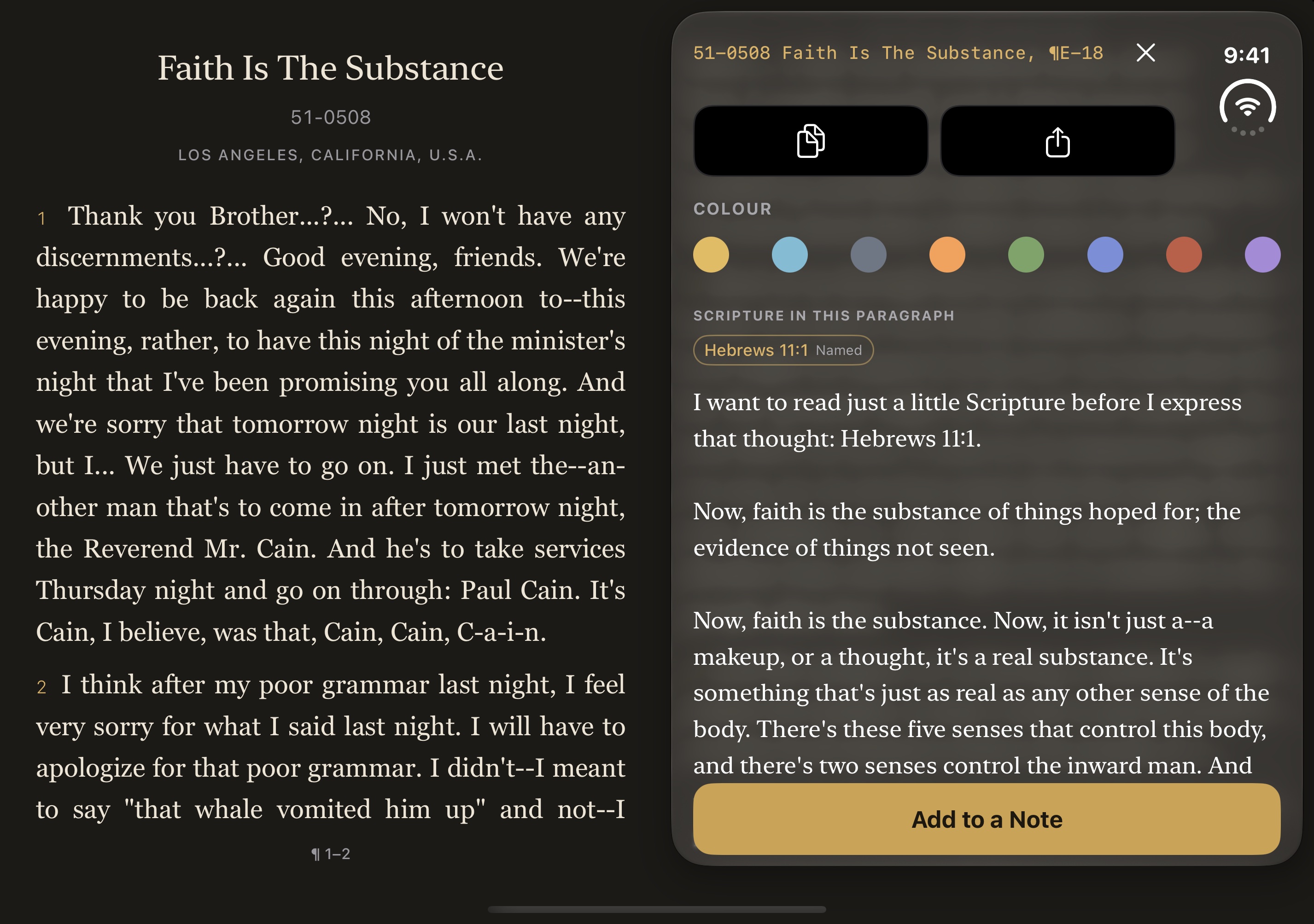
Tap a paragraph to see the Scripture it uses, and how: named, read, quoted or related in meaning. Here, paragraph E-18 of 51-0508 names Hebrews 11:1. Tap the verse to go straight to it.
Follow the Thread
Open a verse's cross-references as a map of the whole Bible. Gold arcs reach from the verse to every place it leads, brighter where more readers have followed them. Pick one to read it, and follow the thread on from there.
Choose a passage
Every book of the Bible stands on its shelf, coloured by its part: the Law, History, Poetry, the Prophets, the Gospels and the Letters. Draw one out and its chapters are ready to open.
Ask
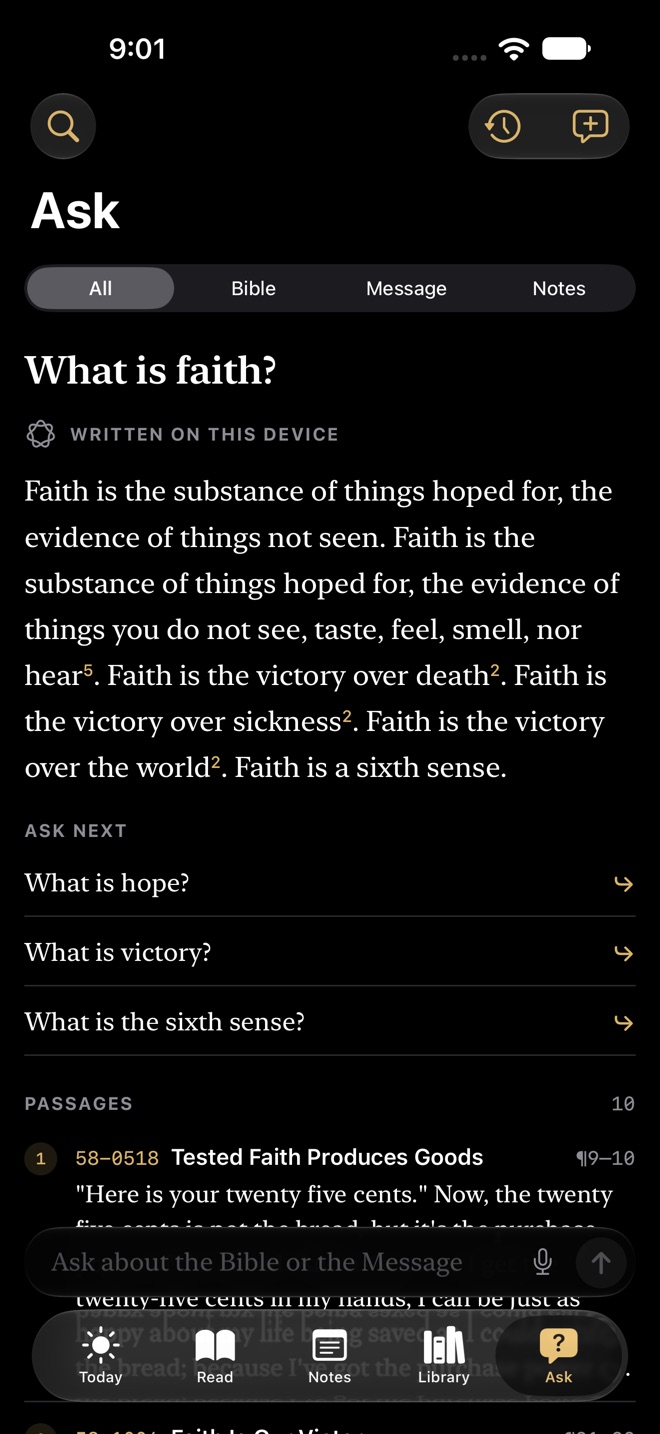
Ask finds the passages in the Bible and the Message that speak to your question, then writes a short answer from them, with a footnote to each passage it used. Then it suggests what to ask next.
Written answers need Apple Intelligence turned on: iPhone 15 Pro or later, iPad with A17 Pro or M1 or later, or Mac with M1 or later. On other devices Ask lists the passages without writing an answer.
iPhone Duo · iPad
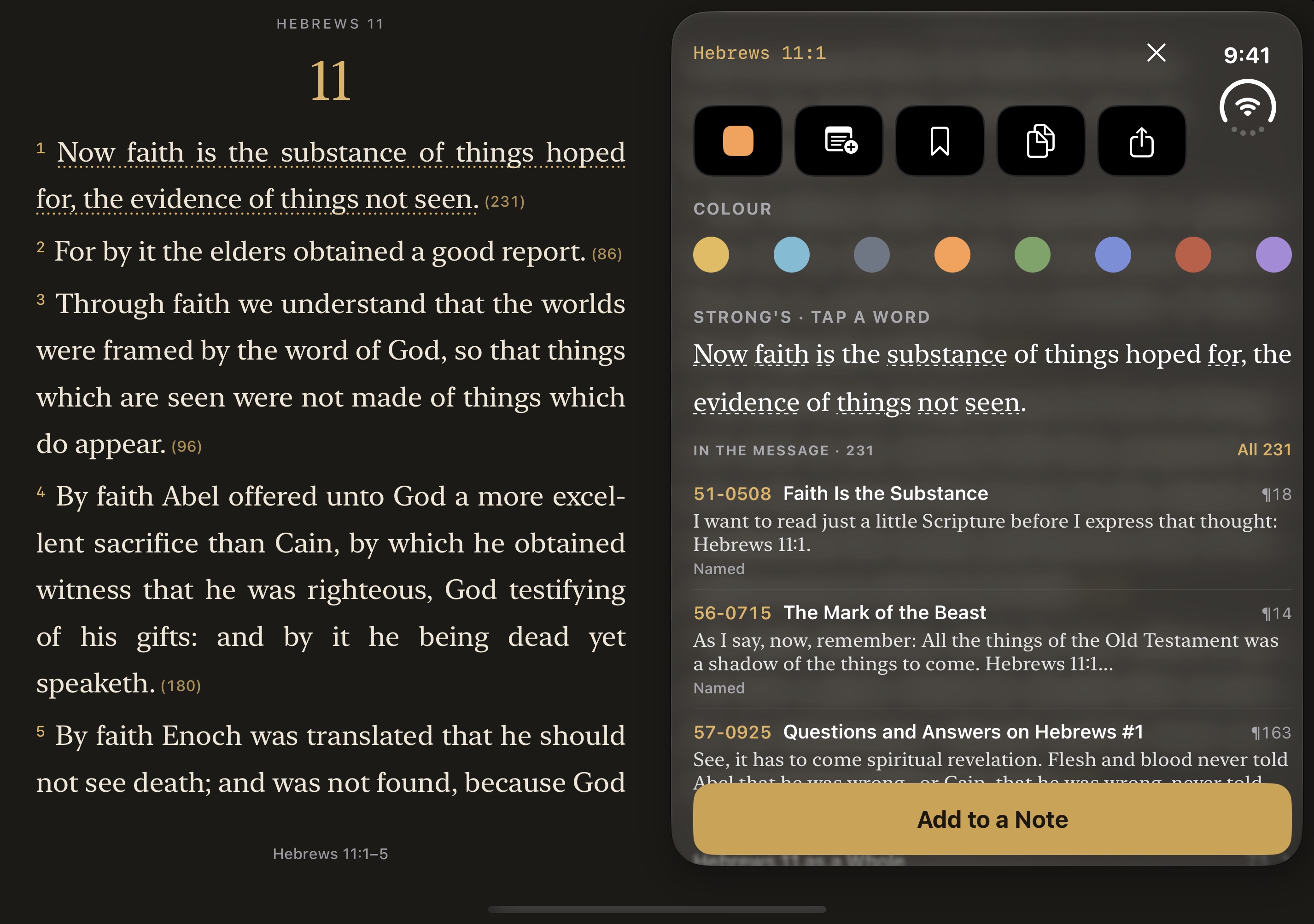
On iPhone Duo the Bible lies open on two pages, the way it does on your desk. Tap a verse and everything about it comes in on the facing page, so the verse stays in view beside it. Turn an iPad on its side and it opens the same way.
Apple Watch
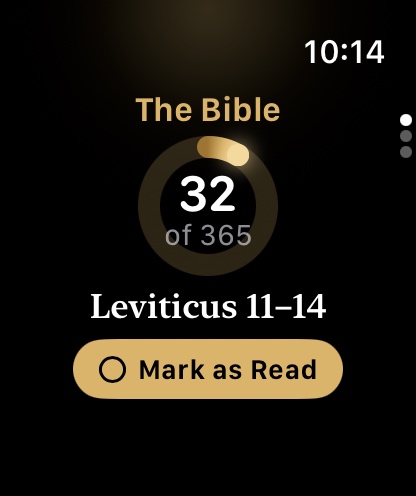
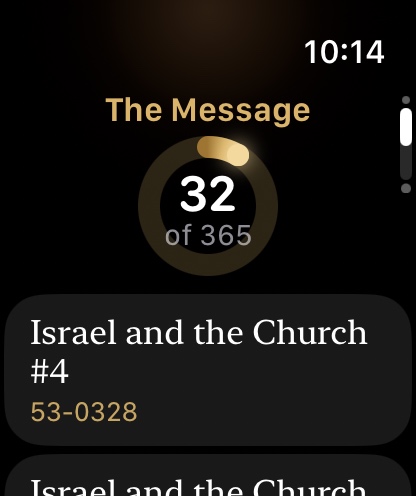
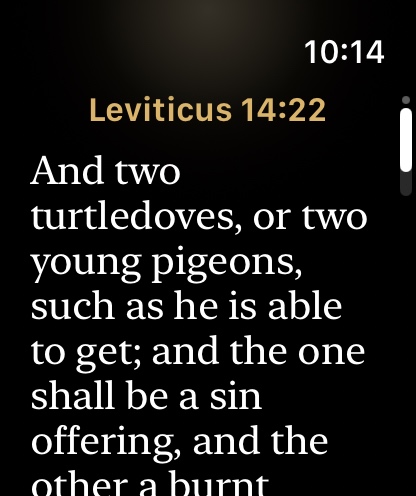
Your Bible reading and the day's sermons come to your Apple Watch from your iPhone. Turn the Digital Crown from the Bible to the Message to the verse for today, and tick each one read. A gold ring fills as the year goes by.
Notes
From any verse or sermon paragraph, tap Add to a Note. The words go in with their reference.
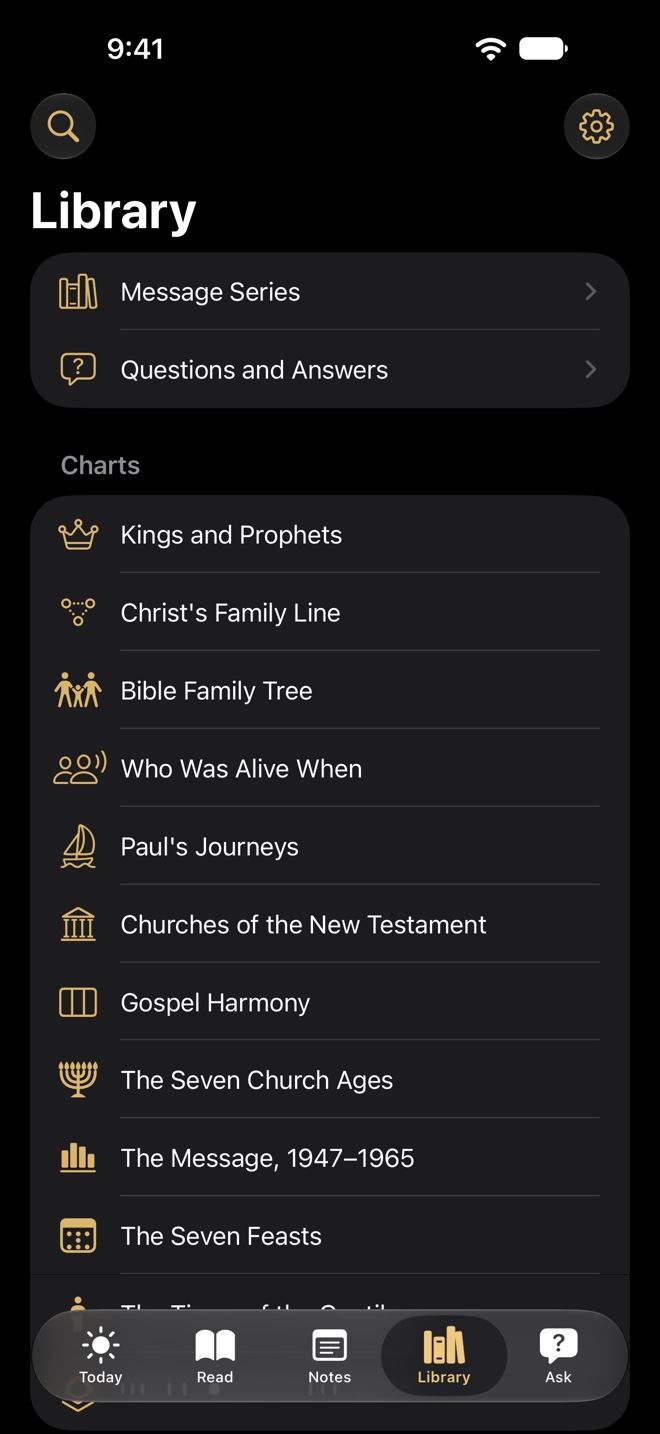
Charts
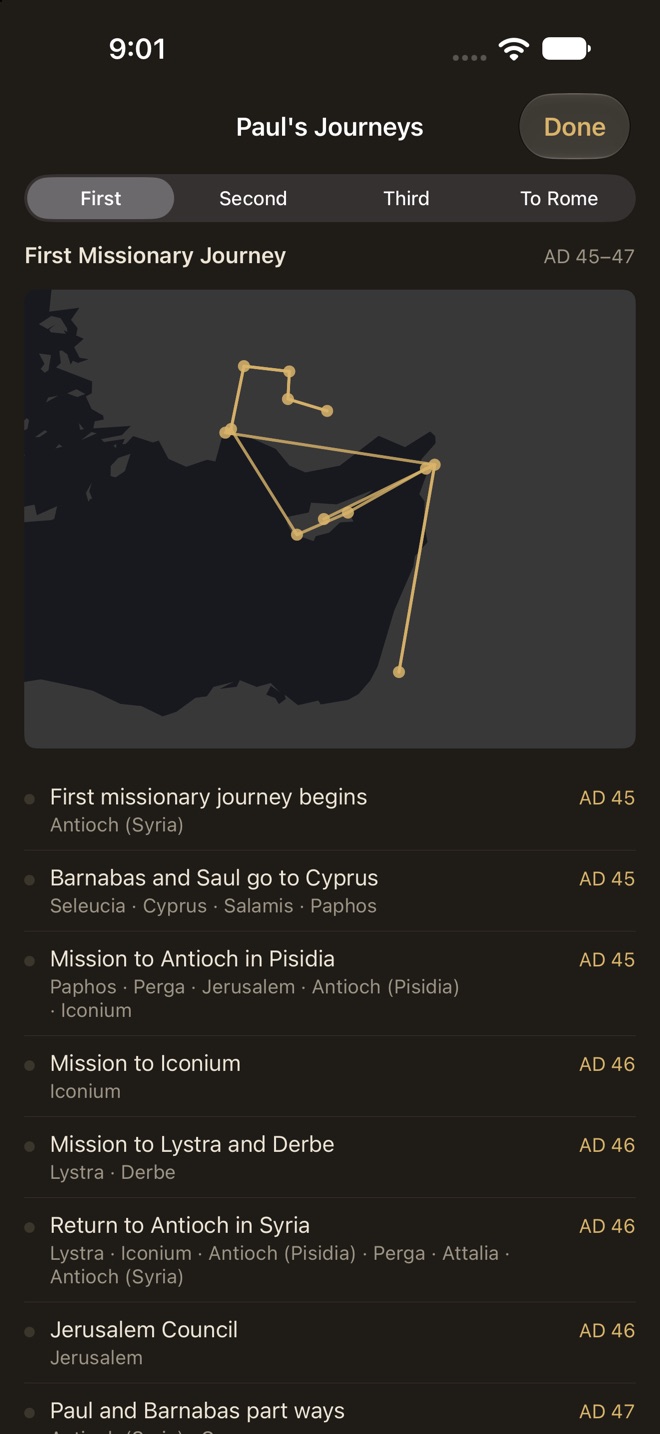
Paul's Journeys, Kings and Prophets, the Gospel Harmony, the Seven Church Ages and more.
Today
Sermons
Library
Privacy
No account, no advertising, no analytics, no tracking. Your notes stay on your iPhone or iPad. Make one backup file when you move to a new device.
“Who then is a faithful and wise servant, whom his lord hath made ruler over his household, to give them meat in due season?”Matthew 24:45
Coming soon to the App Store